


Parenthood partners:



Add your child
Simply add your child to get started today.
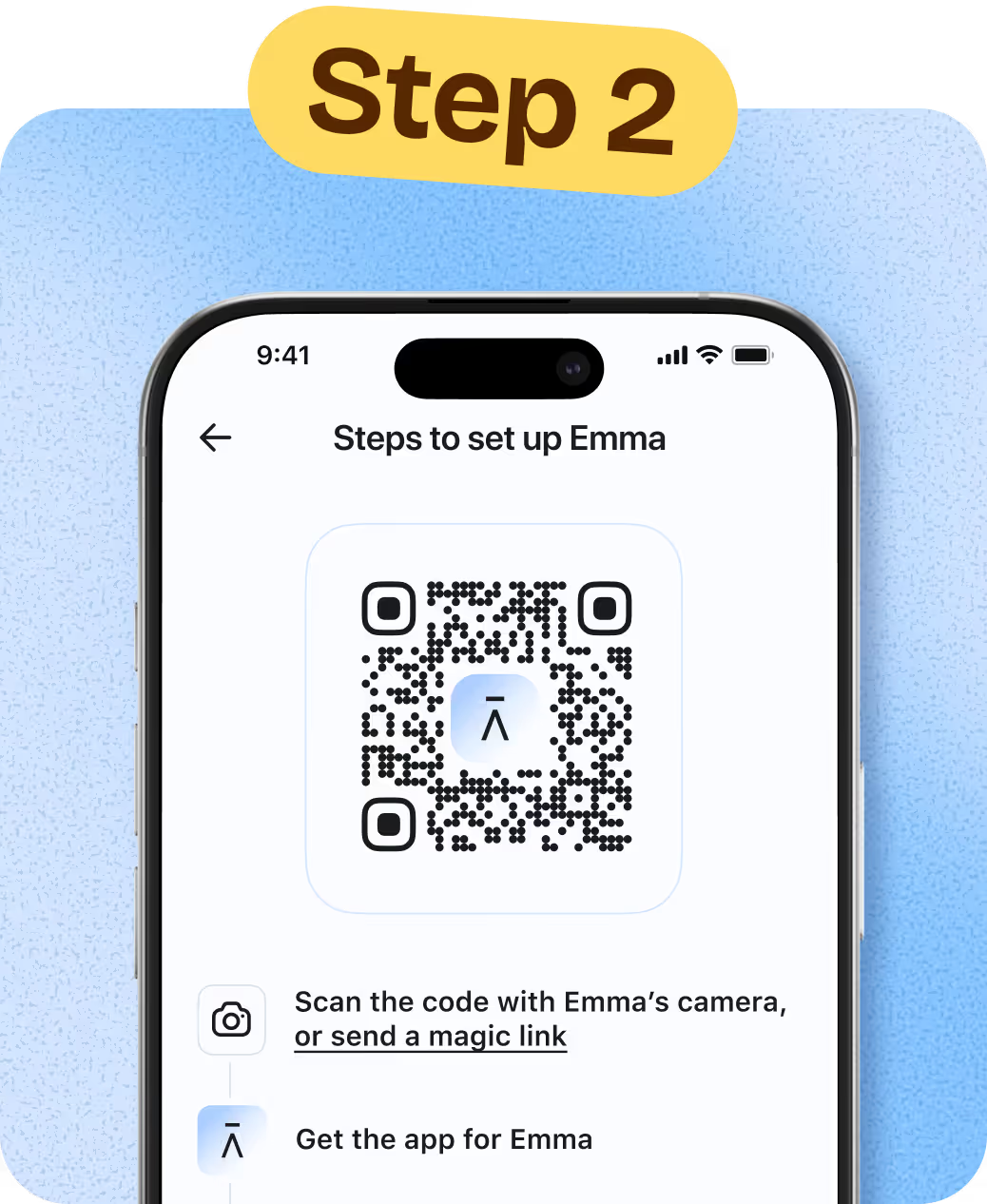
Link their devices
Scan the QR code to link your child’s phone and tablet.
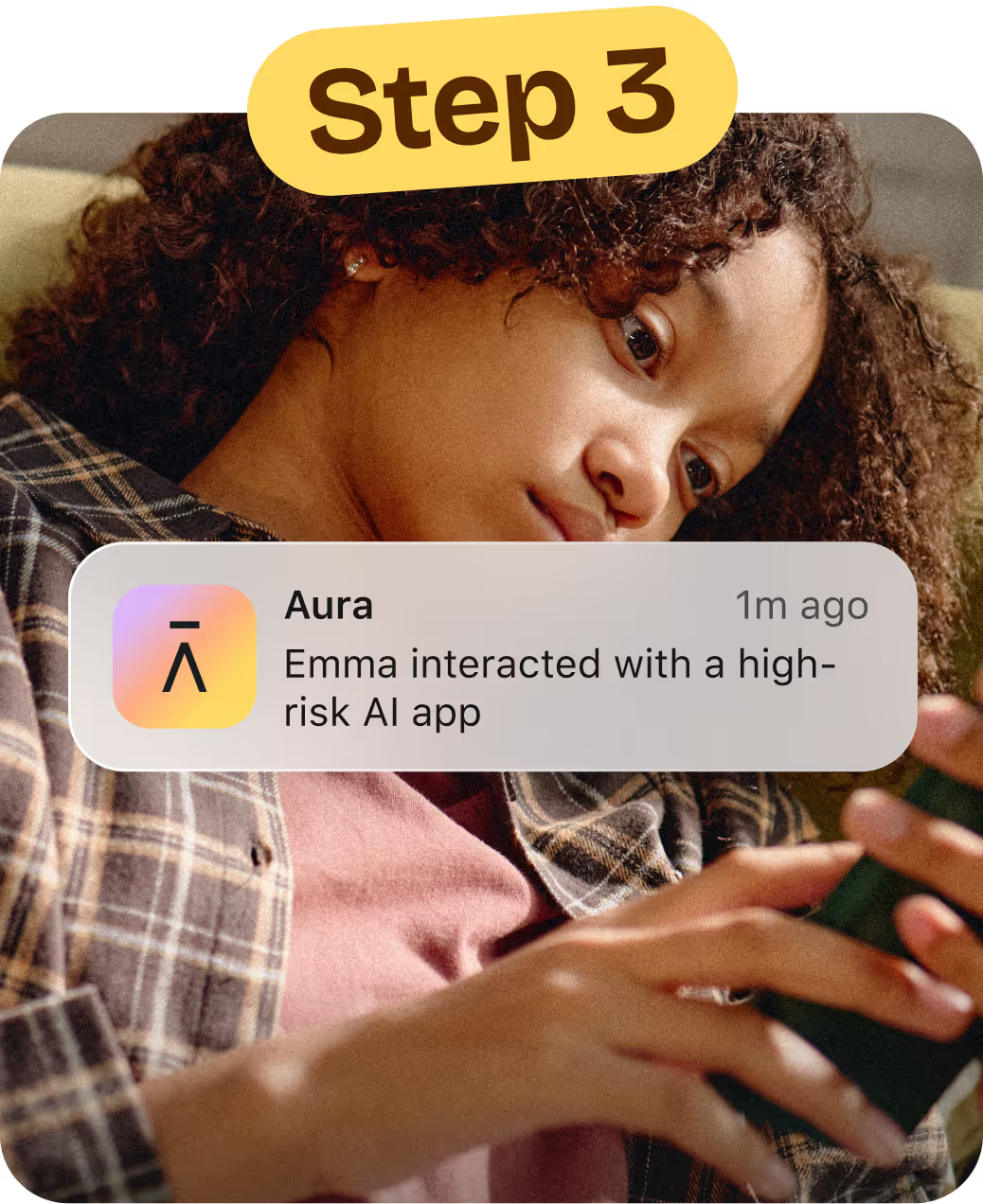
Customize
Tailor time limits, scheduling and content restrictions for each child.
Get the insights you need to guide and protect your child online with Aura Parents
Covers unlimited kids and devices



Aura Parents
Plan covers unlimited kids & unlimited devices!
Available on iOS (phones and iPads) and Android (phones and tablets).*
Parental Controls
-
-
Block Apps & Websites
Keep out distractions and harmful content. -
Set Screen Time Limits
Help your child build healthier habits. -
Create Focus Times & Bedtimes
Schedule device-free time for school, sleep, or family.
-
Block Apps & Websites
-
-
Pause the Internet®
Pause online access with one click. -
Safe Gaming by Kidas
Get notified of risks in gaming chats.
(Windows PC only)
-
Pause the Internet®
Online Wellbeing Insights
-
-
Messaging Insights
Find out which apps your child is using to message. See message volume and tone. -
Daytime & Nighttime Usage Trends
See patterns in daily routines and overnight device use.
-
Messaging Insights
-
-
Wellbeing Score
A research-informed indicator that reflects your child’s digital wellbeing. -
Weekly Snapshot
A clear, weekly summary to support better conversations.
-
Wellbeing Score
Risk Alerts
-
-
AI App Monitoring & Alerts
See which AI chat apps your child uses and get notified about high-risk conversations.
-
AI App Monitoring & Alerts
-
-
Risk Signals
Alerts when messages may indicate self-harm risk.
-
Risk Signals
Peace of mind with simple digital safety for your family
-
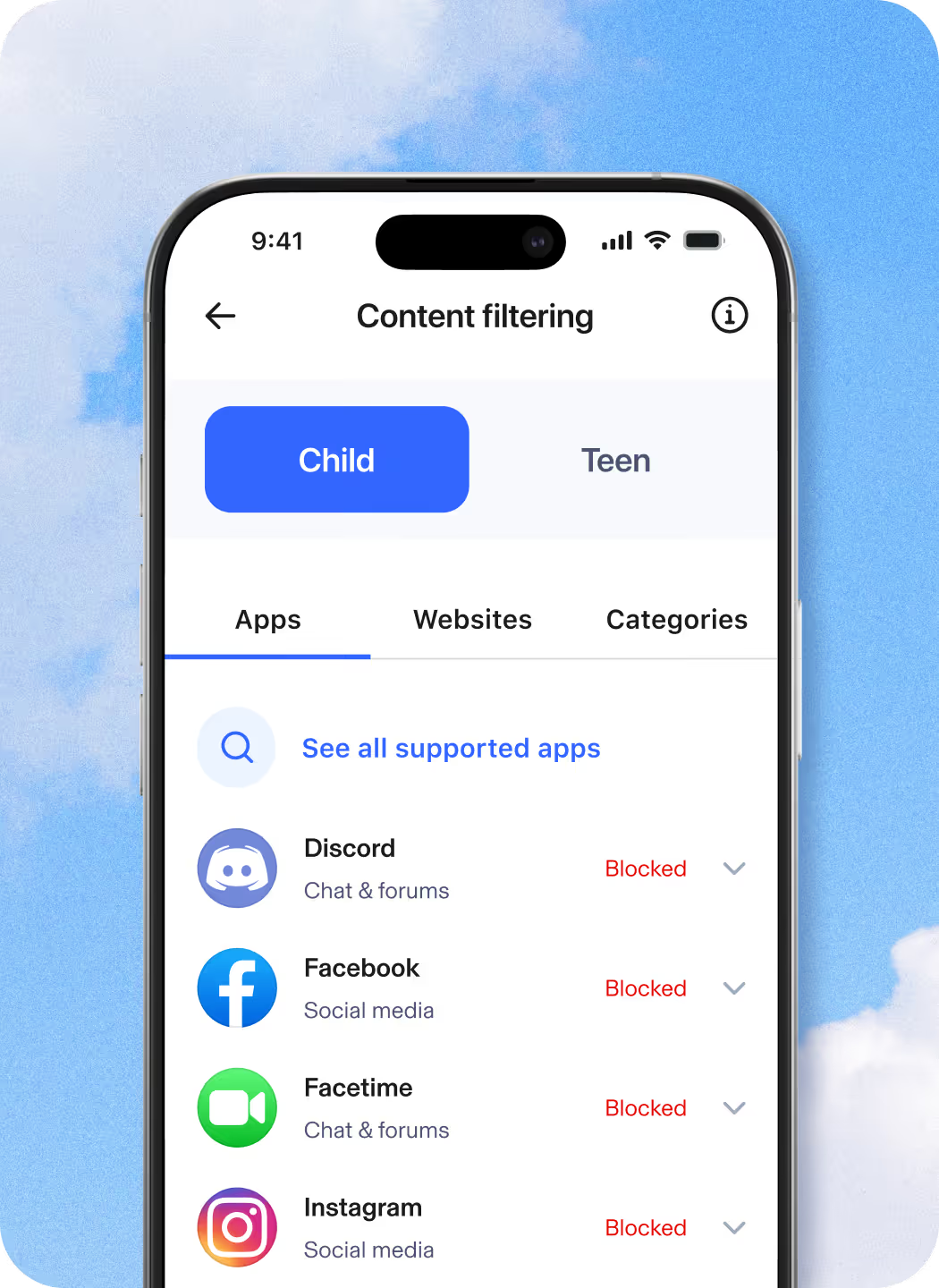
Monitor Content & Block Sites
Aura’s internet filtering technology is powered by Circle, the award-winning parental controls app. It’s easy to customize what your kids can view online. Simply select apps, games, and websites to limit or restrict altogether.
-

Limit Screen Time
Know that your kids are safe from too much of a good thing—the internet. Set time limits for apps and websites and customize for each family member.
-
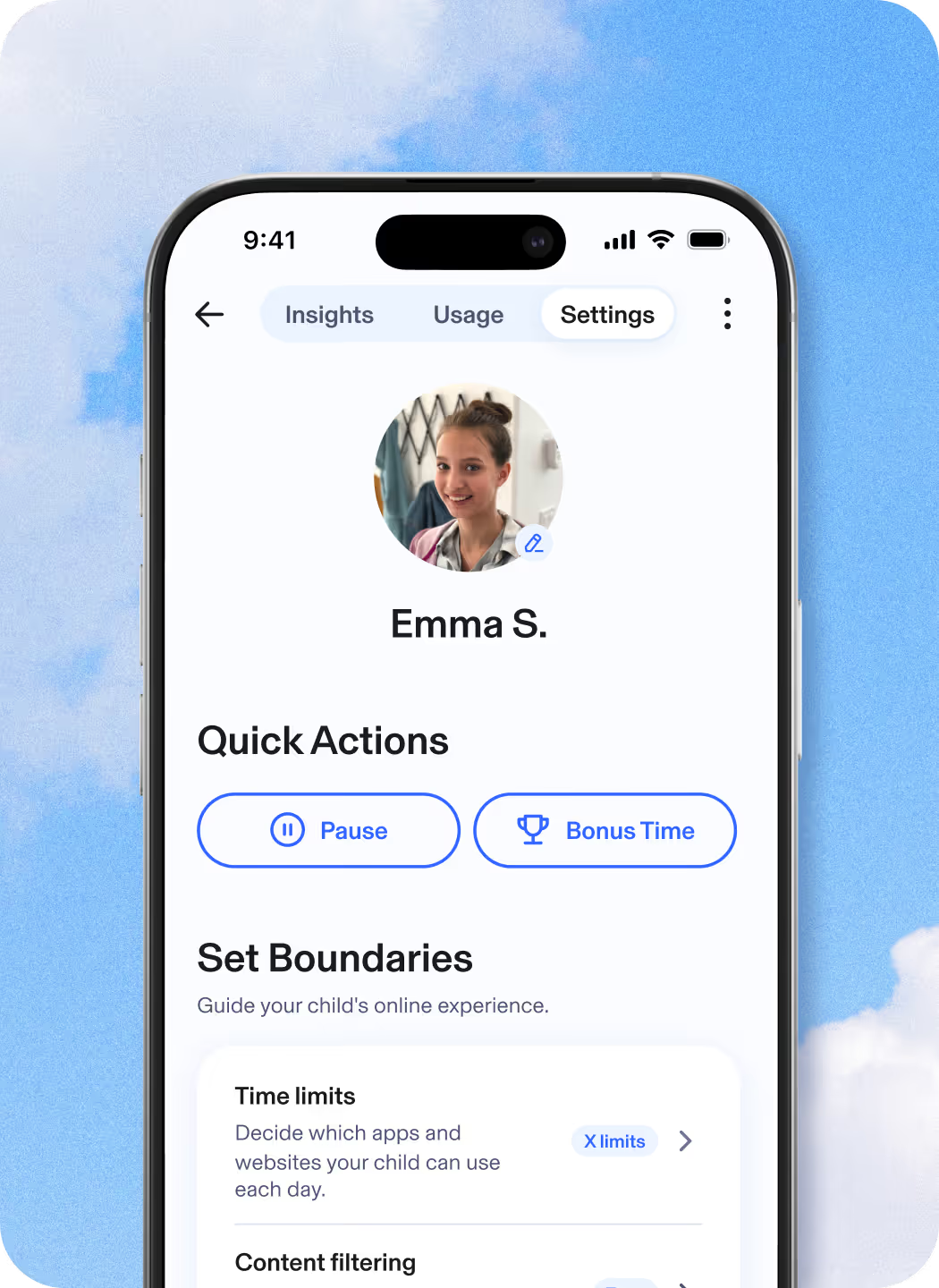
Pause the Internet®
No more asking your kids three times to set down the iPad and start their homework. Pause the Internet easily enforces screen time limits.
-
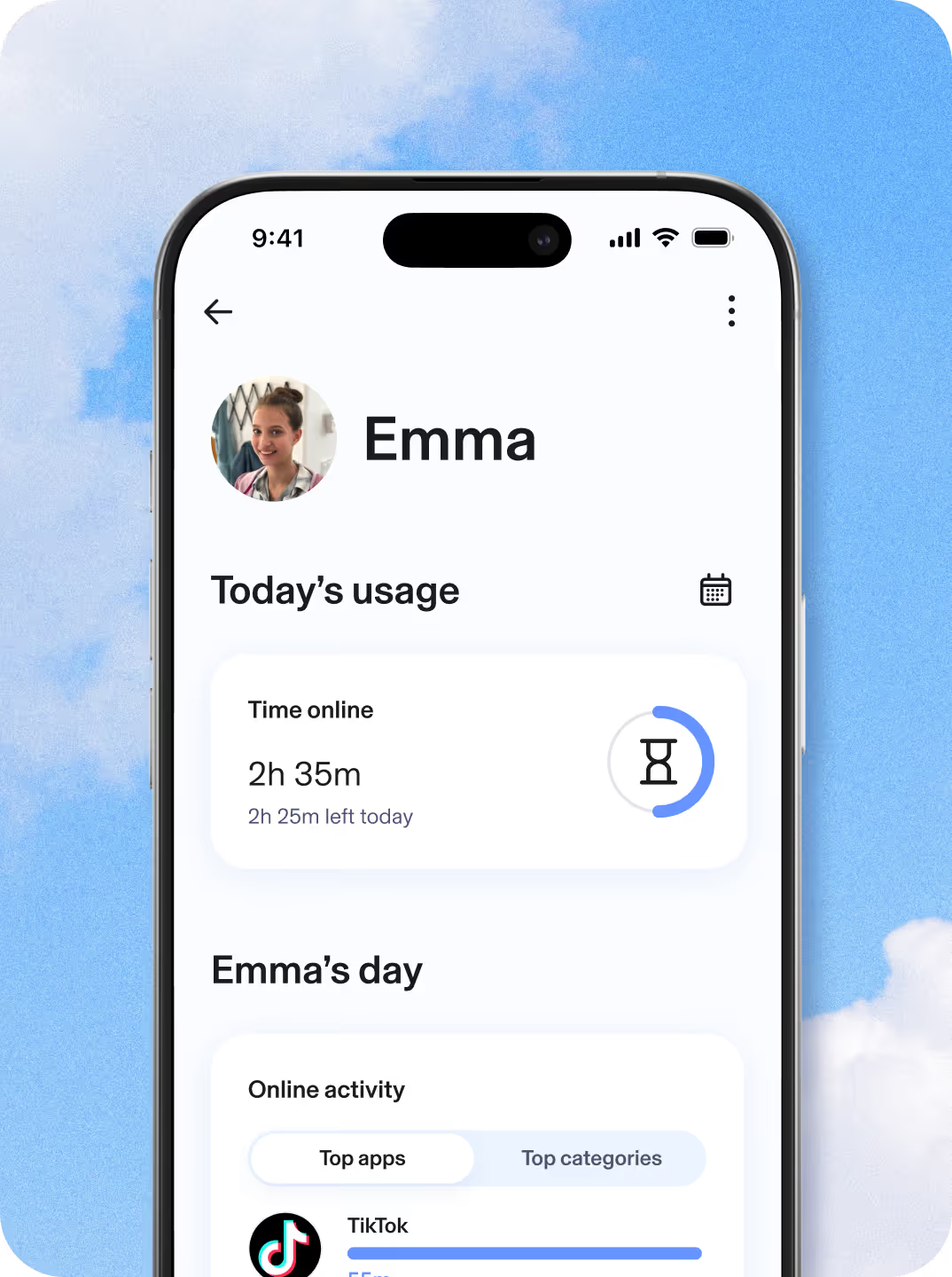
View Time Online
Get a complete picture of your kids’ internet use across all devices so you can make informed decisions about the amount of screen time that’s right for your family.
-
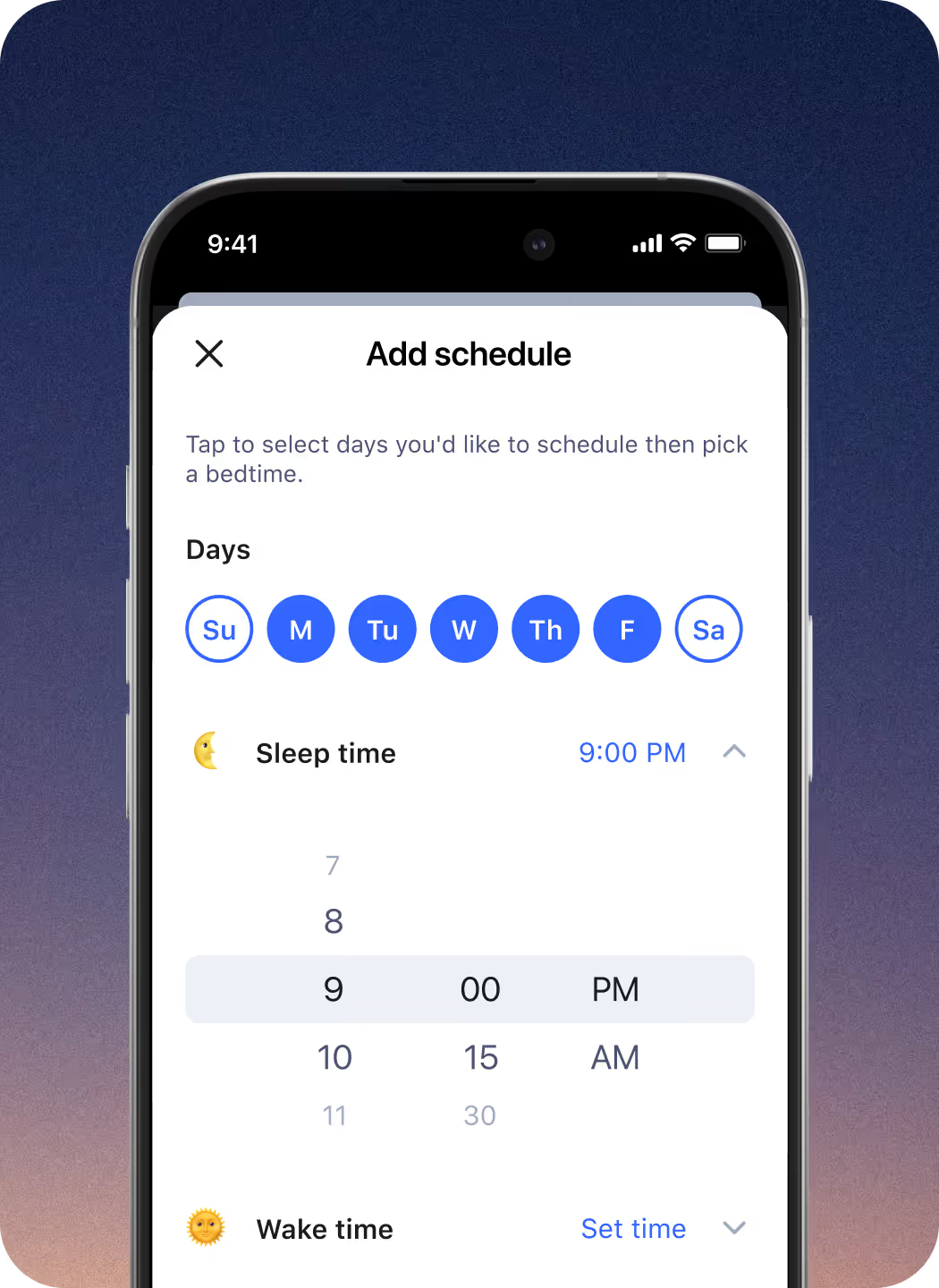
Bedtimes
Set Bedtimes for weeknights and weekends. When bedtime rolls around, all devices associated with your child’s profile will automatically disconnect from the internet.
-

Focus Time
Focus Time lets you set times during the day with limited or no internet distractions, where only selected apps and websites are allowed.
Get deeper insights into your child’s digital wellbeing
Kids are navigating a digital world with real risks. Aura Parents helps you understand if your kids are happy, healthy, and safe online and enables you to help them build healthier digital habits and online balance.
-
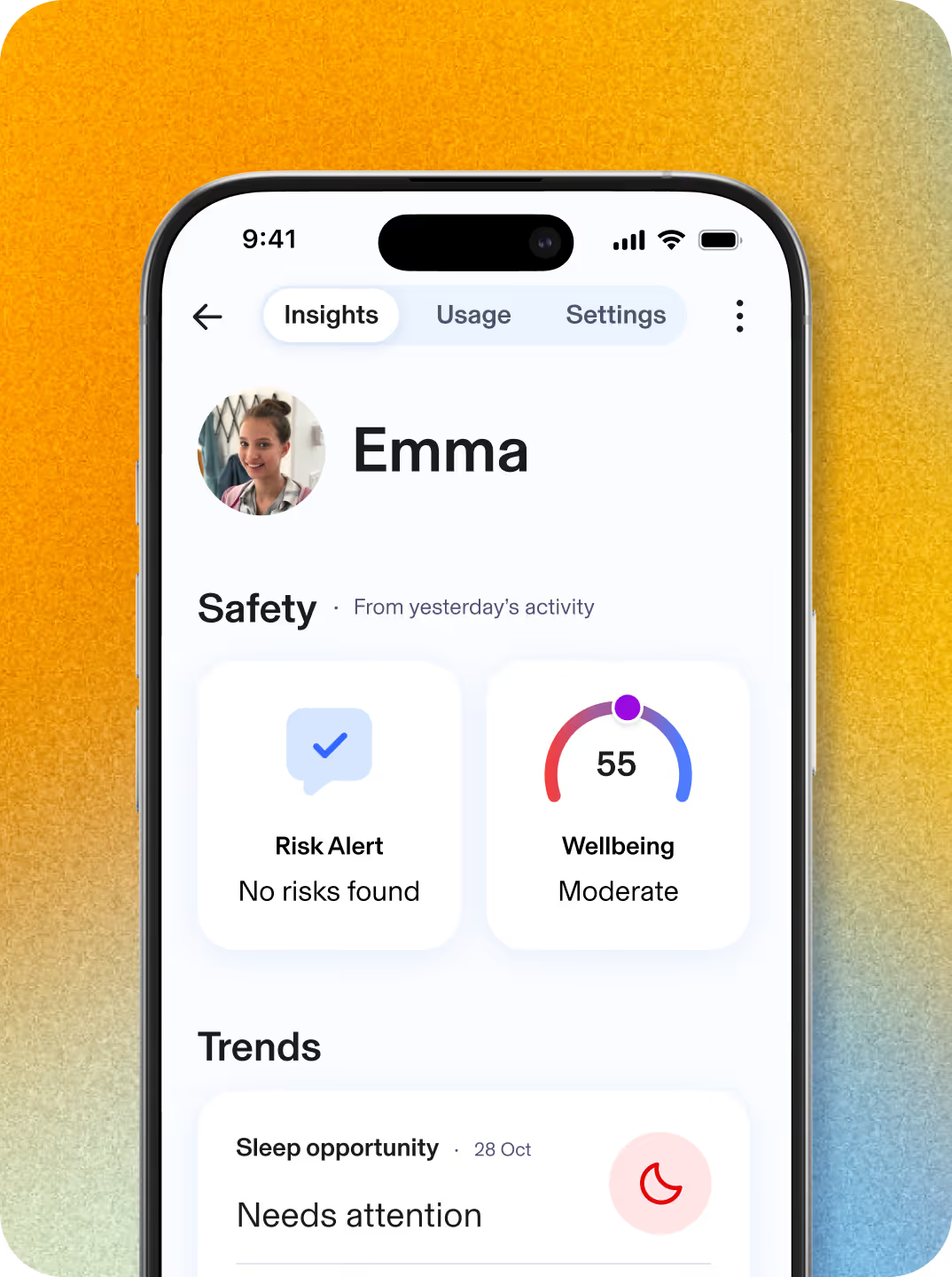
Identify trends and patterns
View trends in your kid’s online routines, including shifts from their baseline of social interactions, daytime activity, or sleep habits, to help you spot meaningful changes in their wellbeing
-

Daytime and nighttime activity
Gain a clear and personalized view of your kid’s online usage patterns throughout the day and overnight, making it easier to understand behaviors that impact healthy habits or might interfere with their sleep.
-
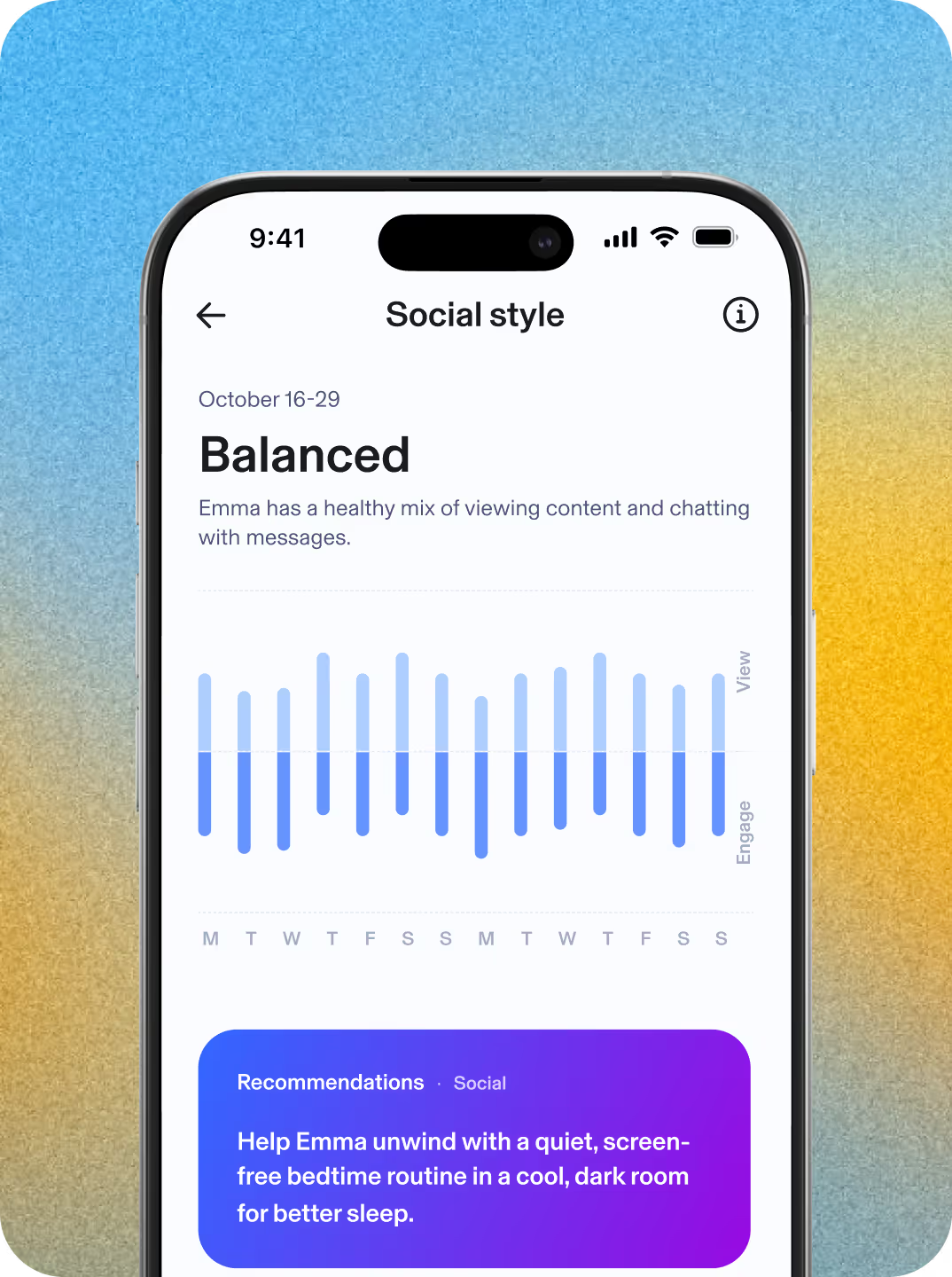
Social interactions
Get insight into your kid’s social behavior patterns, including their engagement style and the volume and tone of their online interactions. Uncover their unique social persona based on their social patterns.
-
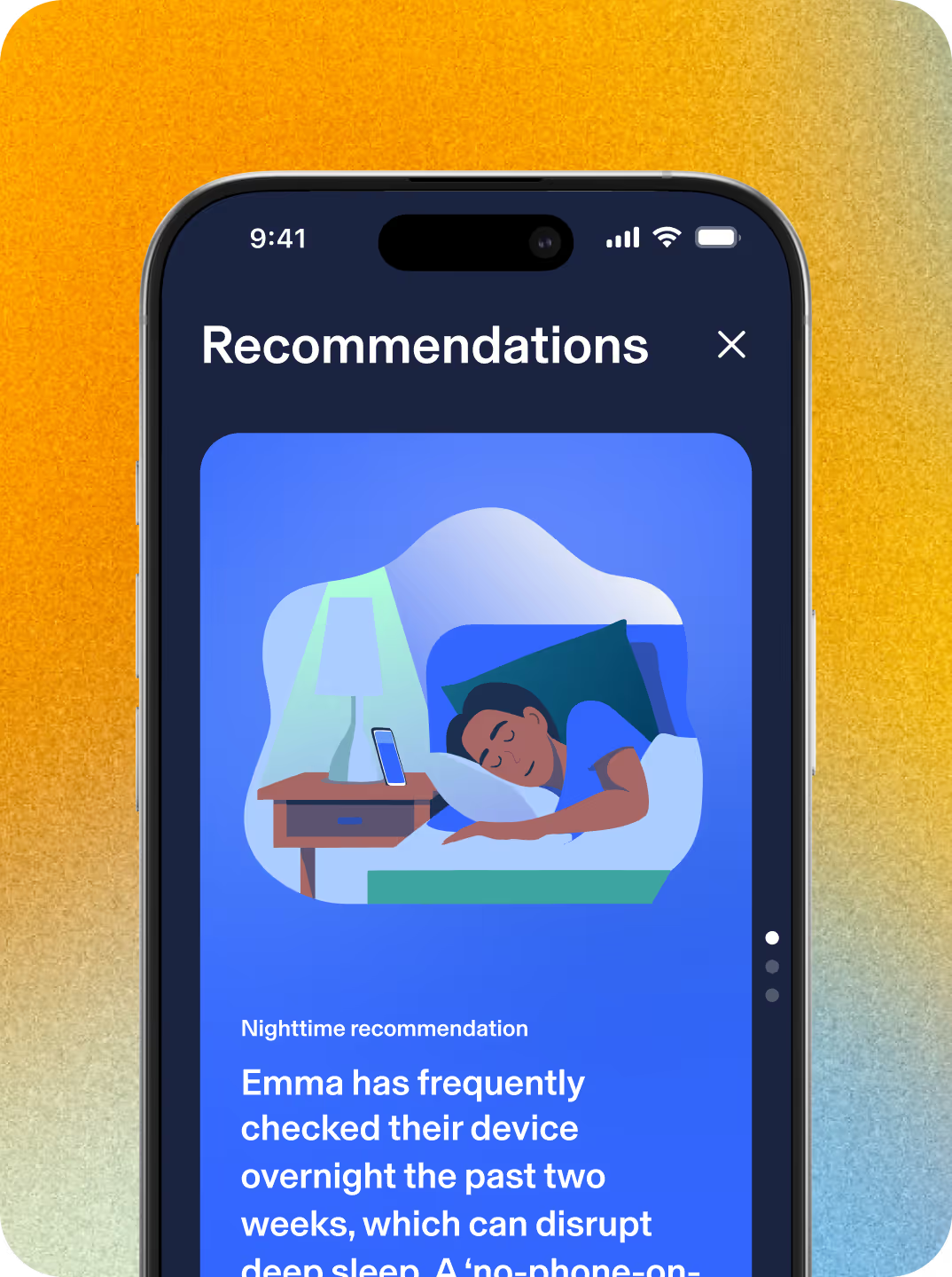
Personalized insights
Access science-backed recommendations, tips, and conversation starters based on your kid’s daytime and nighttime activity and their unique social persona.


